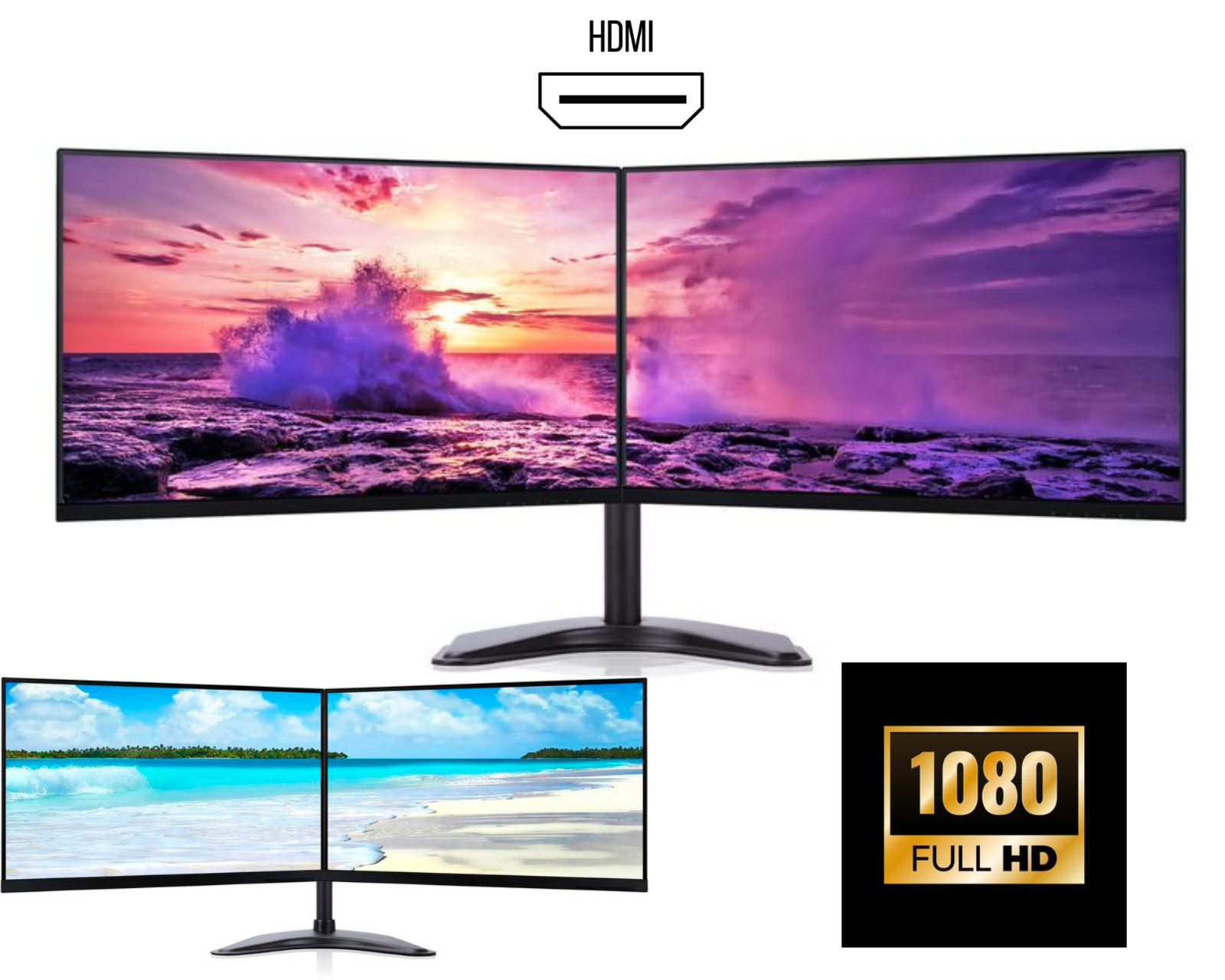
Dual Monitors Setup: Upgrade Your Workspace for Productivity, Gaming & Home Office (2026)
A dual monitors setup is no longer a luxury, it’s a necessity for anyone serious about productivity, multitasking, and performance. Whether you’re working from home, managing a business, coding, trading, or gaming, using two monitors instead of one can completely transform your workflow.
In this guide, we’ll explore why dual monitors are essential, how to choose the best setup, and how to build a powerful dual monitor workstation.
Why Dual Monitors Are a Must-Have in 2026
The modern workspace demands efficiency. A dual monitor setup for productivity allows users to work faster, smarter, and more comfortably.
Instead of switching between tabs, you can:
• View multiple applications at once
• Compare documents side by side
• Manage tasks without interruptions
This is why dual screen setups are now standard in offices, trading desks, and home workstations.
Dual Monitors vs Single Monitor
Single Monitor Limitations
• Constant tab switching
• Limited workspace
• Reduced productivity
Dual Monitor Advantages
• Expanded workspace
• Better multitasking
• Improved workflow
• Professional setup
Switching to a dual monitor desk setup can instantly improve your daily performance.
Best Dual Monitor Setup for Different Users
1. Dual Monitors for Office Work
A dual monitor office setup is perfect for professionals handling emails, spreadsheets, and reports.
Ideal setup:
• Dual 24-inch monitors
• IPS panel displays
• Full HD or QHD resolution
2. Dual Monitors for Trading
A dual monitor trading setup helps track charts, platforms, and market data in real time.
Benefits:
• Monitor multiple charts
• Track live prices
• Analyse data efficiently
3. Dual Monitors for Programming
Developers benefit greatly from a dual monitor coding setup.
Typical usage:
• Code editor on one screen
• Browser or testing environment on second
4. Dual Monitor Gaming Setup
A dual monitor gaming setup is ideal for gamers and streamers.
Usage:
• Primary monitor for gameplay
• Second monitor for chat, Discord, or streaming tools
5. Dual Monitors for Students
Students can use dual monitors for studying to:
• Attend online classes
• Take notes
• Research simultaneously
How to Choose the Best Dual Monitors
Choosing the right monitors is key to building the best dual monitor setup.
Screen Size
• 24 inch monitors – best for productivity
• 27 inch monitors – best for multitasking
• 32 inch monitors – best for design work
Resolution
• Full HD (1080p) – budget-friendly
• QHD (1440p) – best for clarity
• 4K – professional use
Bezel Design
Choose frameless or thin bezel monitors for a seamless dual monitor experience.
Panel Type
IPS panels are recommended for:
• Better colours
• Wide viewing angles
• Professional work
Refresh Rate (For Gaming)
• 60Hz – office use
• 144Hz+ – gaming
Dual Monitor Setup Ideas
Here are some popular dual monitor setup ideas:
Side-by-Side Setup
The most common dual monitor configuration, where both screens are placed next to each other.
Vertical + Horizontal Setup
One monitor vertical (portrait) and one horizontal (landscape).
Best for:
• Coding
• Reading documents
• Social media management
Stacked Monitor Setup
One monitor above the other.
Ideal for:
• Limited desk space
• Advanced workflows
Dual Monitor Setup Tips for Productivity
To get the most out of your dual monitor workspace, follow these tips:
• Align monitors at eye level
• Use a dual monitor arm or stand
• Keep screens at equal height
• Maintain proper viewing distance
• Use cable management for a clean desk
Common Mistakes to Avoid
When setting up dual monitors, avoid these mistakes:
• Using mismatched monitor sizes
• Poor alignment of screens
• Incorrect display settings
• Low-quality cables
Fixing these improves your dual monitor experience instantly.
Dual Monitor Setup with Laptop
You can easily create a dual monitor setup with a laptop.
Options include:
• HDMI + USB-C connections
• Docking station for multiple displays
This is perfect for home office setups and remote work.
Why Buy Dual Monitor Bundles?
Many users prefer dual monitor bundles instead of buying separately.
Benefits:
• Cost-effective
• Ready-to-use
• Compatible components
• Includes cables and stands
This is ideal for businesses and home offices.
Final Thoughts
A dual monitor setup is one of the best investments you can make for your workspace. Whether for office work, gaming, trading, or studying, using two monitors helps you work faster, stay organized, and increase productivity.
If you’re looking to upgrade your setup, choosing the best dual monitors will transform the way you work and perform daily tasks.