How Dual and Triple Monitor Setups Boost Productivity for Businesses
Introduction
In today’s competitive business environment, efficiency is everything. Whether you’re running a company, managing online sales, trading, or working remotely, your workspace setup directly impacts your performance.
One of the most effective upgrades you can make is switching to a dual monitor setup or even a triple monitor setup. These multi-screen workstations are designed to maximise productivity, reduce time waste, and streamline your workflow.
What is a Dual or Triple Monitor Setup?
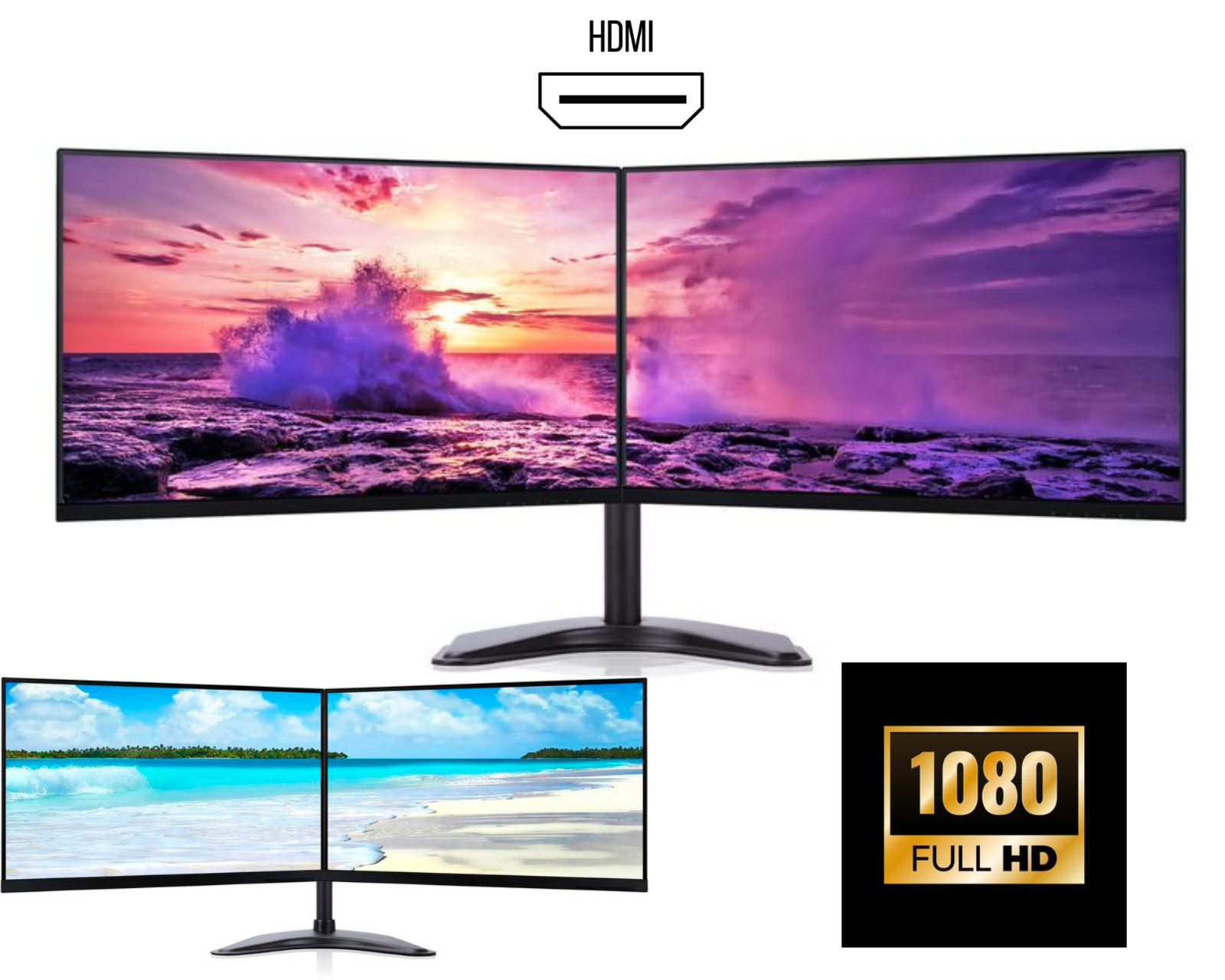
A dual monitor setup uses two screens connected to a single computer, while a triple monitor setup uses three screens to create an extended workspace.
Instead of constantly switching between tabs, you can:
- View multiple applications at once
- Manage tasks side by side
- Improve focus and efficiency
Why Businesses Are Switching to Dual and Triple Monitors
1. Increased Productivity
Studies show that using a dual screen setup can significantly improve productivity. With a triple monitor setup, the efficiency gains are even higher, especially for professionals handling multiple tasks.
2. Better Multitasking
With a multi-monitor setup, you can:
- Keep emails open on one screen
- Work on spreadsheets on another
- Monitor analytics or dashboards on a third
3. Improved Workflow
A dual monitor workstation helps reduce time spent switching between windows, allowing smoother operations.
Dual vs Triple Monitor Setup – Which Should You Choose?
Dual Monitor Setup
Best for:
- Office work
- Students
- Everyday multitasking
Advantages:
- Cost-effective
- Easy to install
- Perfect for home offices
Triple Monitor Setup
Ideal for:
- Traders
- Designers
- Business owners managing multiple systems
Advantages:
- Maximum screen space
- Professional workspace
- Higher efficiency
Best Industries for Multi-Monitor Setups
E-commerce & Online Businesses
Manage orders, customer queries, and analytics across multiple screens.
Finance & Trading
A triple monitor setup is essential for tracking charts, data, and live markets.
Design & Editing
Creative professionals benefit from extra screen space for tools and previews.
IT & Programming
Developers use dual monitors to code on one screen and test on another.
How to Choose the Right Monitor Setup
When buying a dual or triple monitor bundle, consider:
Screen Size
- 22”–24” → Budget-friendly
- 24”–27” → Ideal balance
- 27”+ → Premium setup
Resolution
- Full HD → Everyday tasks
- QHD → Sharper visuals
- 4K → High-end performance
Connectivity
Ensure support for:
- HDMI
- DisplayPort
- USB-C
Monitor Stand
A sturdy dual or triple monitor stand ensures:
- Better posture
- Clean desk setup
- Adjustable viewing angles
Why Buy a Dual or Triple Monitor Bundle Instead of Single Units
Buying a monitor bundle is more practical because:
- Matching screens for better aesthetics
- Included stand for convenience
- Cost savings compared to individual purchases
- Ready-to-use setup
Why Choose Our Dual & Triple Monitor Setups
We specialise in:
- High-quality dual monitor setups UK
- Professional triple monitor bundles UK
- Grade A refurbished monitors
- Reliable performance and testing
- Fast UK delivery
Our setups are perfect for businesses, home offices, and professional users.
Final Thoughts
Upgrading to a dual monitor setup or triple monitor setup is one of the smartest investments for productivity. Whether you’re working, trading, or managing a business, multiple screens help you work faster and smarter.