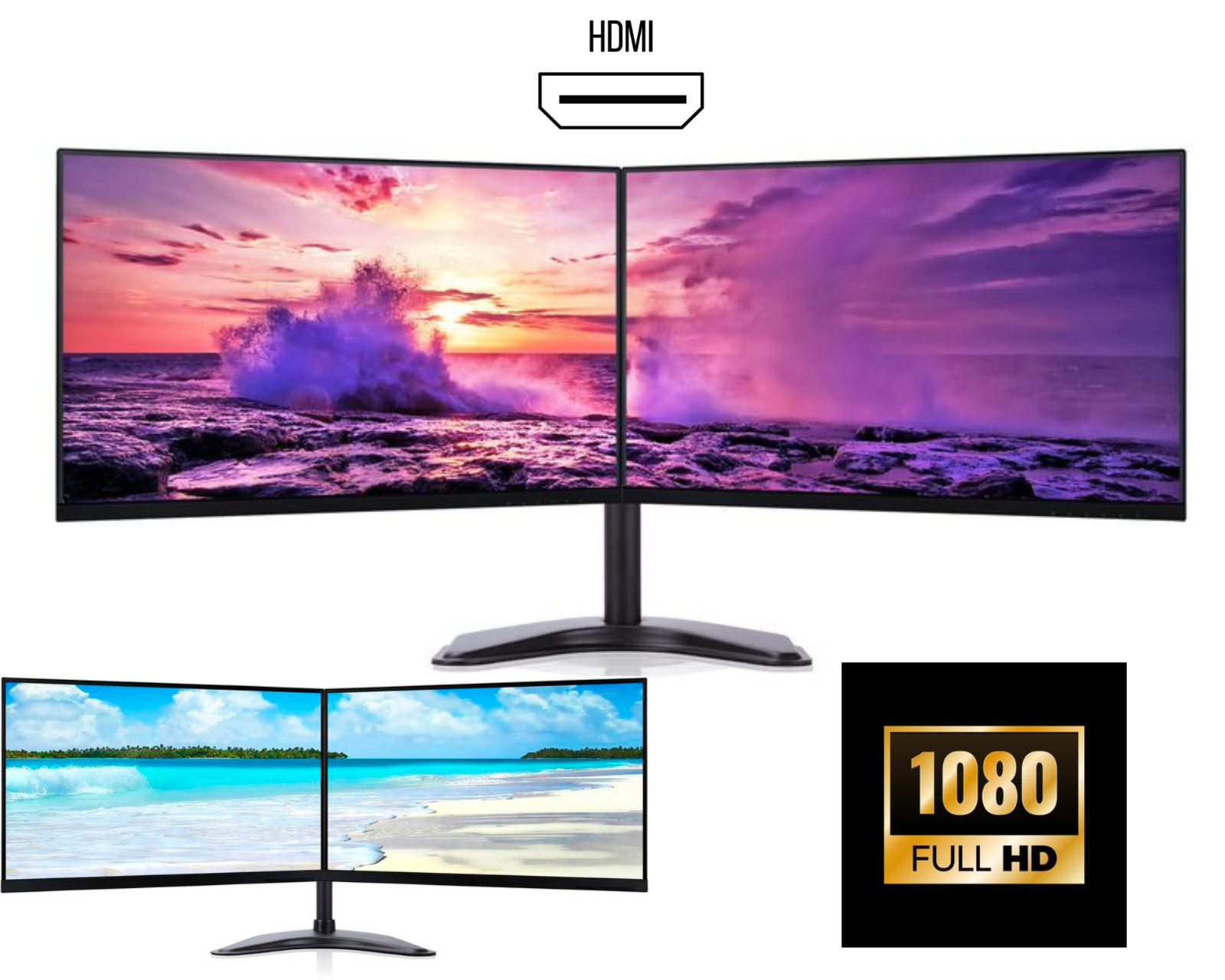
Dual Monitors with PC Bundle – Complete Setup for Productivity, Office Work & Gaming (2026 Guide)
A dual monitors with PC bundle is the perfect all-in-one solution for anyone looking to build a powerful and efficient workstation. Whether you're working from home, running a business, trading stocks, studying, or gaming, a dual monitor PC setup can significantly improve productivity and performance.
Instead of buying components separately, a dual monitor bundle with desktop PC gives you everything you need in one package, ready to use, fully tested, and cost-effective.
What Is a Dual Monitors with PC Bundle?
A dual monitors with PC bundle includes:
• Desktop computer (PC tower or small form factor)
• Two matching monitors
• Monitor stands or mounts
• Required cables (All necessary cables)
Some bundles also include:
• Keyboard and mouse
• Wi-Fi adapter
• Pre-installed Windows (Windows 11 Pro)
These bundles are ideal for users who want a complete dual monitor setup without hassle.
Why Choose a Dual Monitor PC Bundle?
1. Ready-to-Use Setup
A dual monitor PC bundle is fully configured and tested, so you can start working immediately without worrying about compatibility.
2. Cost-Effective Solution
Buying a dual monitor bundle with PC is often cheaper than purchasing each component separately. This makes it perfect for:
• Small businesses
• Start-ups
• Students
• Home office users
3. Perfect for Productivity
A dual monitor desktop setup allows you to work on multiple applications simultaneously.
Example workflow:
Monitor 1 – Main task (Excel, coding, editing)
Monitor 2 – Email, browser, communication tools
This improves efficiency and reduces time wasted switching between windows.
4. Ideal for Office & Business Use
Businesses prefer dual monitor PC bundles for office work because they:
• Increase employee productivity
• Improve workflow management
• Create professional workstations
5. Great for Trading & Multitasking
A dual monitor trading setup allows users to monitor charts, platforms, and data simultaneously.
This is widely used by:
• Stock traders
• Crypto traders
• Analysts
6. Suitable for Gaming & Streaming
A dual monitor gaming PC bundle is perfect for:
• Playing games on one screen
• Streaming or chatting on the second screen
Key Features to Look for in Dual Monitor PC Bundles
When choosing the best dual monitors with PC bundle, consider the following:
1. Processor (CPU)
Choose a reliable processor such as:
• Intel Core i5 / i7
• AMD Ryzen 5 / Ryzen 7
These provide smooth performance for multitasking and business use.
2. RAM (Memory)
Recommended:
• 8GB RAM – basic tasks
• 16GB RAM – best for multitasking and productivity
3. Storage
Fast storage improves performance:
• SSD (256GB / 512GB) – recommended
• HDD (optional for extra storage)
4. Monitor Quality
Look for:
• 24 inch or 27 inch monitors
• Frameless / thin bezel design
• Full HD or QHD resolution
• IPS panels for better viewing angles
5. Connectivity
Ensure the PC supports:
• HDMI
• DisplayPort
• USB ports
This ensures smooth connection for dual monitors.
Best Dual Monitor PC Bundle for Office Work
For office environments, the ideal dual monitor setup with PC includes:
• Dual 24” IPS monitors
• Intel i5 PC with SSD
• 8GB or 16GB RAM
• Windows 11 Pro
This setup is perfect for:
• Microsoft Office
• Email management
• Web browsing
• Business applications
Dual Monitor PC Bundle for Home Office
A dual monitor home office setup is essential for remote work.
Benefits:
• Better multitasking
• Professional workspace
• Increased comfort and efficiency
Dual Monitor PC Bundle for Students
Students benefit from dual monitor setups for:
• Online classes
• Research and assignments
• Multitasking between apps
A budget dual monitor PC bundle is ideal for study environments.
How to Setup Dual Monitors with a PC Bundle
Setting up a dual monitor PC bundle is simple:
-
Connect both monitors using HDMI or DisplayPort
-
Turn on the PC
-
Open display settings
-
Select Extend Display
-
Arrange monitors based on your desk layout
Your dual monitor workstation will be ready in minutes.
Who Should Buy Dual Monitor PC Bundles?
A dual monitors with PC bundle is ideal for:
• Office professionals
• Business owners
• Traders
• Students
• Remote workers
• Gamers
Anyone looking for a complete, ready-to-use workstation will benefit from this setup.
Why Buy Dual Monitor Bundles Instead of Separate Components?
• Saves time
• Ensures compatibility
• Cost-effective
• Ready to use
• Professionally tested
This makes dual monitor PC bundles a smart investment.
Final Thoughts
A dual monitors with PC bundle is the perfect solution for building a powerful and efficient workstation. Whether for office work, gaming, trading, or studying, these bundles provide everything you need in one package.
If you want a reliable, affordable, and ready-to-use dual monitor setup, investing in a dual monitor PC bundle is the best choice.