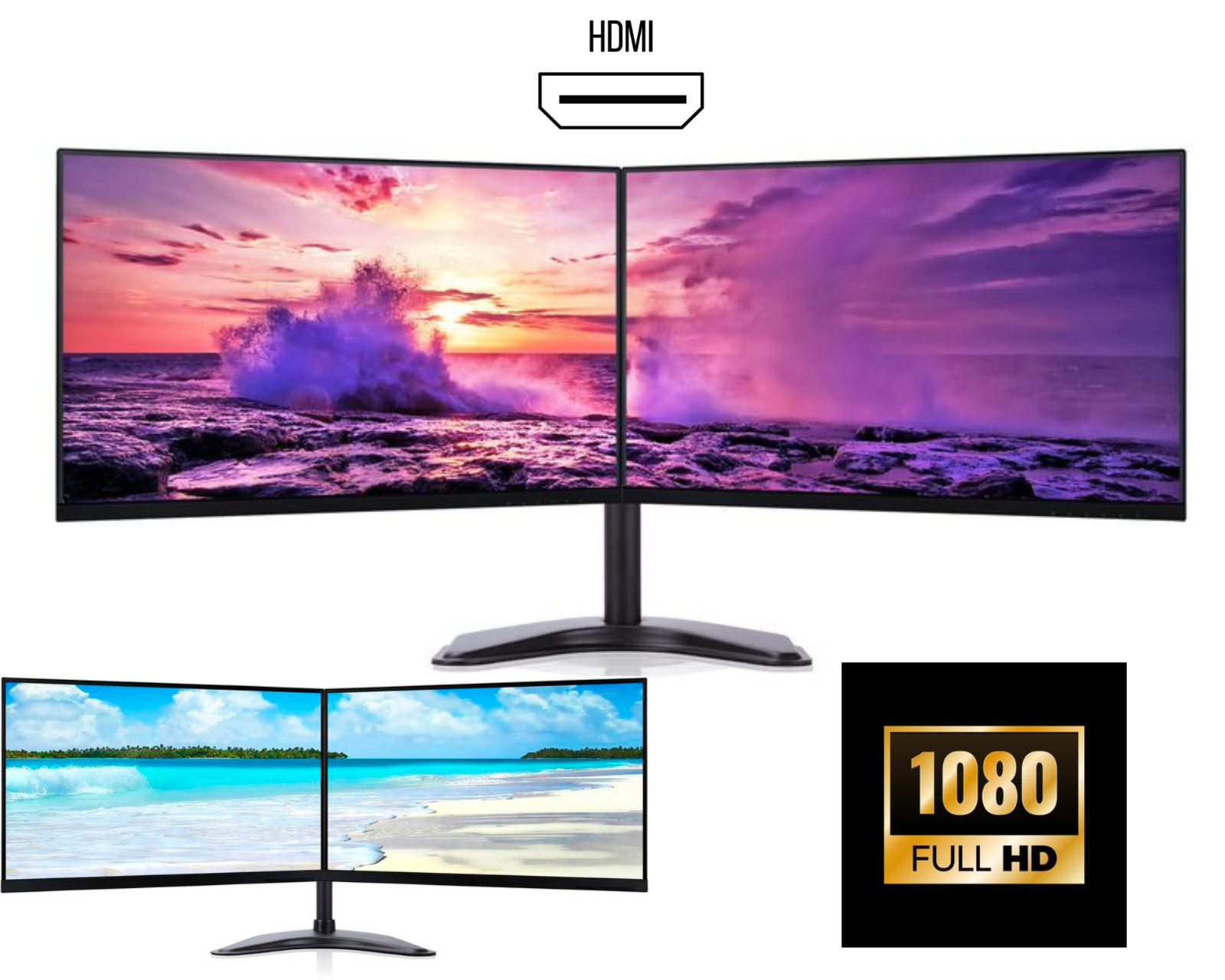
Best Dual Monitor Setup for Home Office
A dual monitor setup for home office has become essential in today’s remote working environment. Whether you are a freelancer, business owner, student, or remote employee, having dual monitors can significantly improve productivity, efficiency, and overall workflow.
In this guide, we will explore why a dual monitor home office setup is important, how to choose the right monitors, and how to build the perfect workstation.
Why Dual Monitors Are Essential for Home Office
A dual monitor setup allows you to extend your screen space across two displays. This means you can work on multiple tasks at the same time without constantly switching tabs.
Key benefits include:
• Increased productivity (up to 40%)
• Better multitasking
• Reduced time switching between apps
• More organised workspace
For example, you can keep your emails open on one screen and your main work (Excel, documents, or browser) on the other.
Best Dual Monitor Setup for Productivity
The ideal dual monitor setup for productivity should include:
• Dual 24-inch monitors (Full HD or QHD)
• IPS panels for better colour and viewing angles
• Frameless or thin bezel design
• Adjustable stand or dual monitor arm
This setup ensures a seamless and comfortable working experience.
Dual Monitor Setup for Remote Work
With remote work becoming common in the UK, a dual monitor home office setup UK is now considered a necessity.
You can:
• Attend Zoom or Teams meetings on one screen
• Work on documents or spreadsheets on the second
• Manage emails efficiently
This improves both performance and professionalism.
Desk Setup Tips for Dual Monitors
To maximise comfort:
• Keep monitors at eye level
• Maintain proper viewing distance
• Use a dual monitor stand
• Keep cables organised
A clean dual monitor desk setup reduces strain and increases productivity.
Final Thoughts
A dual monitor setup for home office is one of the best investments you can make. It improves workflow, saves time, and creates a professional workspace.