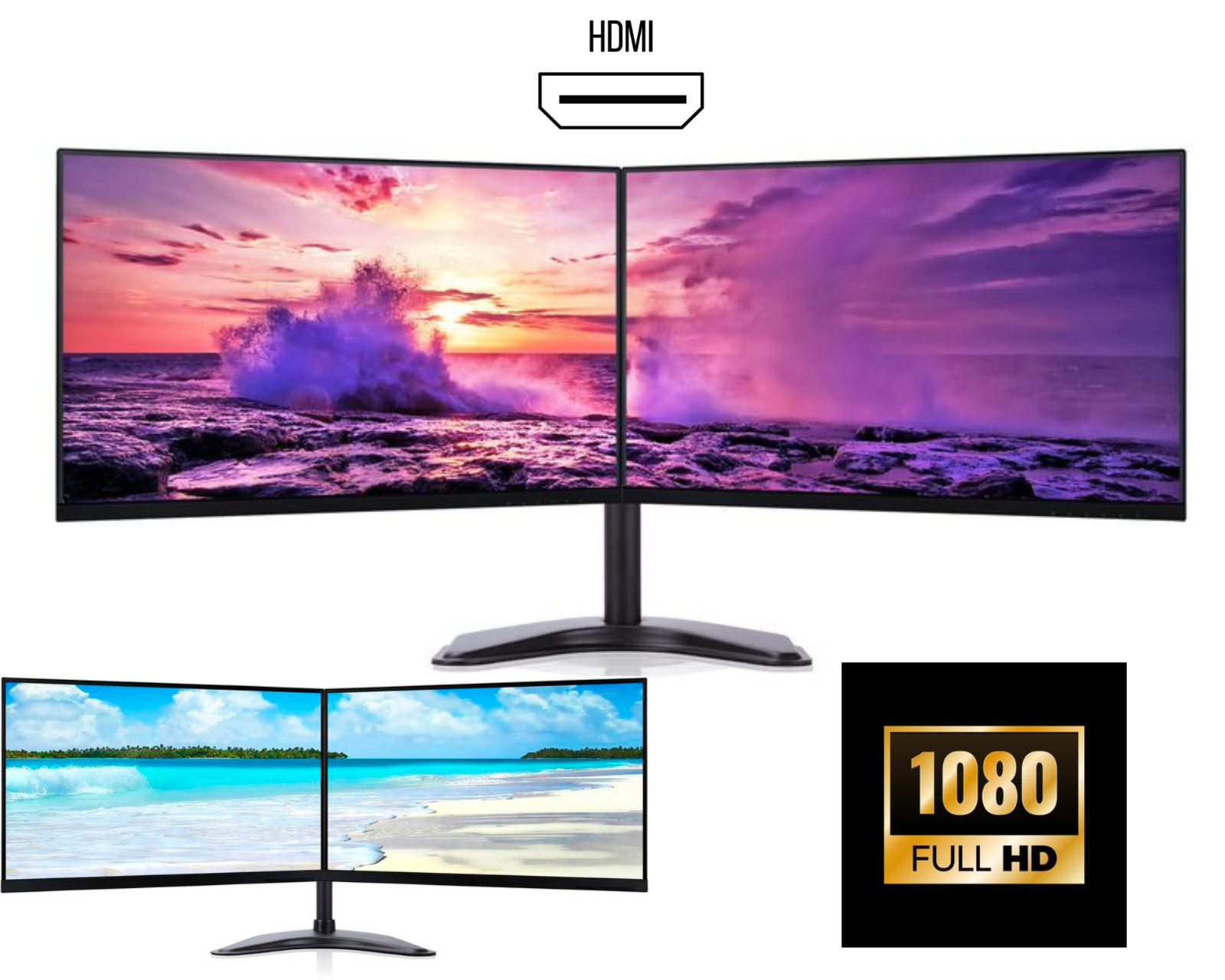
Dual vs Triple Monitor Setup – Which One Should You Choose?
Choosing between a dual monitor setup and a triple monitor setup is one of the most important decisions when building a productive workstation. Whether you are working from home, running a business, trading, gaming, or studying, your monitor setup directly affects your efficiency, workflow, and overall performance.
In 2026, with increasing demand for multi-monitor setups in the UK, both dual and triple monitor configurations have become extremely popular. But which one is right for you?
In this guide, we will compare dual vs triple monitor setups, their benefits, use cases, and help you decide the best option for your needs.
Why Multi-Monitor Setups Are Important
Before comparing, it’s important to understand why multiple monitors are widely used today.
Studies show that using multiple screens can significantly improve productivity by providing more workspace and reducing the need to switch between applications .
In fact:
• Dual monitors can increase productivity by around 25–40%
• Triple monitor setups can increase productivity even further (up to 35%+)
The main reason is simple: more screen space = less time switching tasks.
What Is a Dual Monitor Setup?
A dual monitor setup consists of two screens connected to one computer. It is the most common multi-monitor configuration used in offices and home workspaces.
Benefits of Dual Monitor Setup
1. Cost-Effective Productivity Upgrade
A dual monitor setup for office work is affordable and provides a significant productivity boost without high cost.
2. Easy to Set Up
Dual monitors are simple to install:
• Requires fewer cables
• Works with most PCs and laptops
• No high-end GPU required
3. Perfect for Everyday Tasks
Dual monitors are ideal for:
• Office work (Excel, Word, emails)
• Students and research
• Programming and coding
• Remote work
4. Better Focus and Simplicity
Compared to triple monitors, dual setups are less overwhelming and easier to manage.
Limitations of Dual Monitors
• Limited screen space compared to triple monitors
• May not be enough for advanced workflows
• Not ideal for high-level trading or immersive gaming
What Is a Triple Monitor Setup?
A triple monitor setup includes three screens connected to one system, creating a much wider and more powerful workspace.
Benefits of Triple Monitor Setup
1. Maximum Screen Space
A triple monitor setup for productivity provides massive workspace for multitasking.
You can:
• Run multiple applications simultaneously
• Compare large datasets
• Monitor multiple dashboards
2. Ideal for Advanced Workflows
Triple monitors are widely used by:
• Stock traders
• Data analysts
• Developers
• Content creators
3. Best for Gaming Experience
A triple monitor gaming setup provides:
• Ultra-wide field of view
• Better immersion
• Competitive advantage
4. Increased Productivity for Complex Tasks
While dual monitors boost productivity, adding a third screen can further improve efficiency for complex workflows .
Limitations of Triple Monitors
• Higher cost (extra monitor + stand + GPU)
• Requires more desk space
• More complex setup
• Can cause neck strain if not positioned properly
Dual vs Triple Monitor Setup – Key Differences
| Feature | Dual Monitor Setup | Triple Monitor Setup |
|---|---|---|
| Screen Space | Moderate | Maximum |
| Cost | Affordable | Higher |
| Setup Complexity | Easy | Medium |
| Productivity | High | Very High |
| Desk Space Required | Less | More |
| Best For | Office work, students | Trading, gaming, professionals |
| GPU Requirement | Low | Medium to High |
Which Setup Is Better for You?
Choose Dual Monitor Setup If:
✔ You want a cost-effective productivity upgrade
✔ You work in office environments
✔ You have limited desk space
✔ You prefer a simple setup
A dual monitor setup UK is perfect for most users.
Choose Triple Monitor Setup If:
✔ You need maximum multitasking capability
✔ You are a trader, gamer, or advanced user
✔ You work with large datasets or multiple tools
✔ You want a premium workstation
A triple monitor setup UK is ideal for power users.
Real-World Use Cases
🏢 Office Work
Dual monitors are usually enough for:
• Emails
• Documents
• Meetings
📊 Trading Setup
Triple monitors are preferred because you can:
• Track charts
• Monitor multiple markets
• Analyse data simultaneously
💻 Programming
Most developers use dual monitors, but triple monitors help with:
• Documentation
• Code
• Debugging
🎮 Gaming
• Dual monitors → casual gaming + multitasking
• Triple monitors → immersive gaming experience
Important Considerations Before Choosing
1. Desk Space
Triple monitors require significantly more space.
2. Budget
Dual monitor setups are more budget-friendly.
3. Hardware Requirements
Triple monitors may require:
• Dedicated graphics card
• Multiple ports (HDMI / DisplayPort)
4. Ergonomics
Proper alignment is important to avoid neck strain.
Final Verdict
When comparing dual vs triple monitor setup, there is no one-size-fits-all answer.
👉 Dual monitors are best for most users because they offer the perfect balance of productivity, cost, and simplicity.
👉 Triple monitors are best for professionals and gamers who need maximum screen space and performance.
In simple terms:
• Go for dual monitors for everyday work
• Go for triple monitors for advanced productivity and gaming
Conclusion
Both dual monitor setups and triple monitor setups are powerful tools for improving productivity and workflow. The right choice depends on your needs, budget, and workspace.
With research showing clear productivity benefits from multiple monitors, upgrading your setup—whether dual or triple—is one of the smartest investments you can make in 2026 .