Best Frameless Triple Monitors for Productivity and Gaming (2026 Guide)
A triple monitor setup is one of the best upgrades you can make for your workspace. Whether you are working in an office, trading stocks, programming, editing videos, or gaming, frameless triple monitors provide a seamless viewing experience and significantly improve productivity.
In this guide, we will explore the best frameless triple monitors, their benefits, and how to choose the right bezel-less monitor setup for your workstation.
What Are Frameless Monitors?
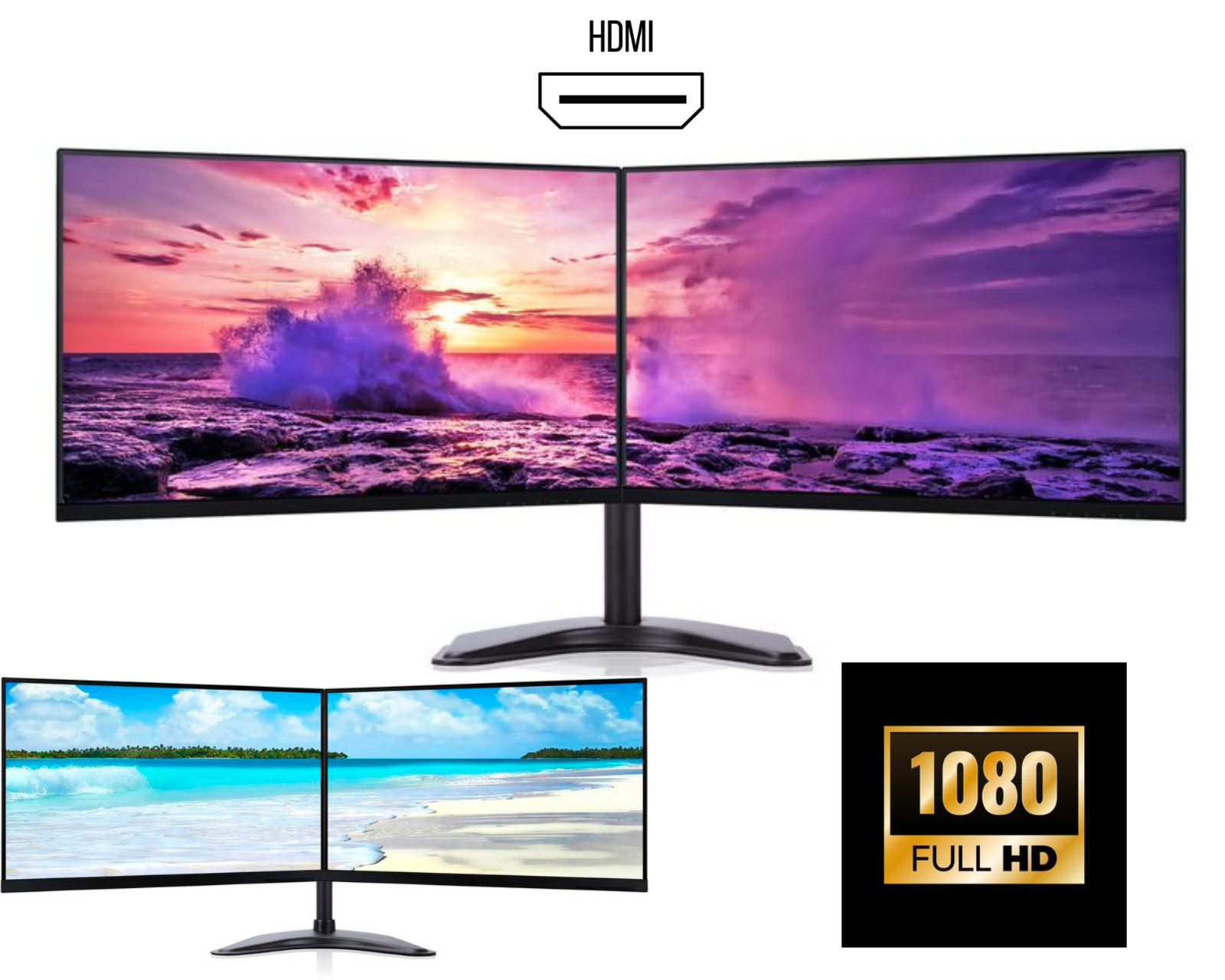
Frameless monitors (also called bezel-less monitors) are displays designed with ultra-thin borders around the screen. This design is perfect for dual or triple monitor setups because the screens appear almost connected, creating a seamless multi-monitor display.
Benefits of Frameless Monitors
• Minimal bezels create a clean and modern workspace
• Perfect alignment for triple monitor setups
• Improved immersion for gaming and trading
• Better productivity for multitasking
• Professional office setup appearance
For businesses, developers, traders, and designers, a triple frameless monitor setup can dramatically increase workflow efficiency.
Why Choose a Triple Monitor Setup?
Many professionals prefer triple monitor workstations because they allow multiple applications to run simultaneously.
Key Advantages
1. Increased Productivity
Studies show that multi-monitor setups can increase productivity by up to 40%. With three screens you can easily manage spreadsheets, emails, browsers, and applications at the same time.
2. Better Multitasking
A 3 monitor setup allows you to dedicate each screen to specific tasks.
Example workflow:
• Screen 1 – Email and communication
• Screen 2 – Main work (Excel, coding, editing)
• Screen 3 – Research, browser, or tools
3. Ideal for Trading and Finance
Stock traders often use frameless triple monitors to track multiple charts and trading platforms simultaneously.
4. Enhanced Gaming Experience
A triple monitor gaming setup provides an ultra-wide field of view that makes racing, simulation, and open-world games far more immersive.
Features to Look for in the Best Frameless Triple Monitors
When choosing the best bezel-less monitors for triple setup, consider these key specifications.
1. Ultra-Thin Bezels
The most important feature for frameless triple monitors is extremely thin borders. This ensures a smooth visual transition between screens.
2. Screen Size
Popular sizes include:
• 24 inch frameless monitors – best for productivity
• 27 inch frameless monitors – best for immersive setups
• 32 inch monitors – ideal for designers and editors
For most workstations, 24" or 27" triple monitor setups provide the best balance.
3. Resolution
Look for at least:
• Full HD (1920x1080) – budget option
• QHD (2560x1440) – excellent productivity
• 4K monitors – best for professionals
4. Connectivity
A good triple monitor display should support:
• HDMI
• DisplayPort
• USB-C (for modern laptops)
Docking stations like Dell WD19, WD19TB, or WD19TBS can easily support triple monitor setups.
5. Adjustable Stand or VESA Mount
To build a proper triple monitor workstation, you should use:
• Height adjustable stands
• Triple monitor arm mounts
• VESA compatible monitors
Best Frameless Triple Monitors for Office and Work
For office productivity and business workspaces, IPS panel monitors with thin bezels are the best choice.
Top features include:
• Wide viewing angles
• Accurate colour reproduction
• Flicker-free technology
• Low blue light for eye comfort
Many professionals prefer 24-inch frameless IPS monitors for coding, accounting, and office work.
Best Triple Monitor Setup for Gaming
Gamers prefer high refresh rate frameless monitors.
Recommended specs:
• 144Hz refresh rate or higher
• 1ms response time
• Adaptive Sync / G-Sync / FreeSync
A triple monitor gaming setup is especially popular for:
• Racing simulators
• Flight simulators
• Open-world games
• First-person shooters
The ultra-wide field of view created by 3 monitors combined provides a much more immersive gaming experience.
How to Set Up Triple Frameless Monitors
Creating a triple monitor setup is easier than most people think.
Step-by-Step Setup
-
Use a triple monitor stand or desk mount
-
Connect monitors via HDMI or DisplayPort
-
Use a docking station or GPU with multiple outputs
-
Configure display settings in Windows or macOS
-
Align monitors for a seamless bezel-less experience
For laptops, a USB-C docking station is often the easiest way to connect three external monitors.
Who Should Use Triple Frameless Monitors?
A triple monitor workstation is ideal for:
• Programmers and developers
• Stock traders and analysts
• Video editors and designers
• Gamers and streamers
• Office professionals
• Data analysts
Anyone who needs multiple windows open simultaneously will benefit from a three-monitor setup.
Where to Buy the Best Frameless Triple Monitors
If you are looking for affordable triple monitor bundles, many online stores offer complete setups including monitors, stands, and cables.
Buying a pre-configured triple monitor bundle saves time and ensures compatibility between monitors and mounts.
Look for bundles that include:
• Matching frameless monitors
• Adjustable stands
• HDMI or DisplayPort cables
• Fully tested displays
Final Thoughts
A frameless triple monitor setup is one of the best investments for productivity, gaming, and professional workspaces. With ultra-thin bezels, high-resolution displays, and ergonomic stands, triple monitors create a powerful and efficient workstation.
Whether you are building a home office setup, trading desk, or gaming station, choosing the best frameless triple monitors will dramatically improve your workflow and viewing experience.