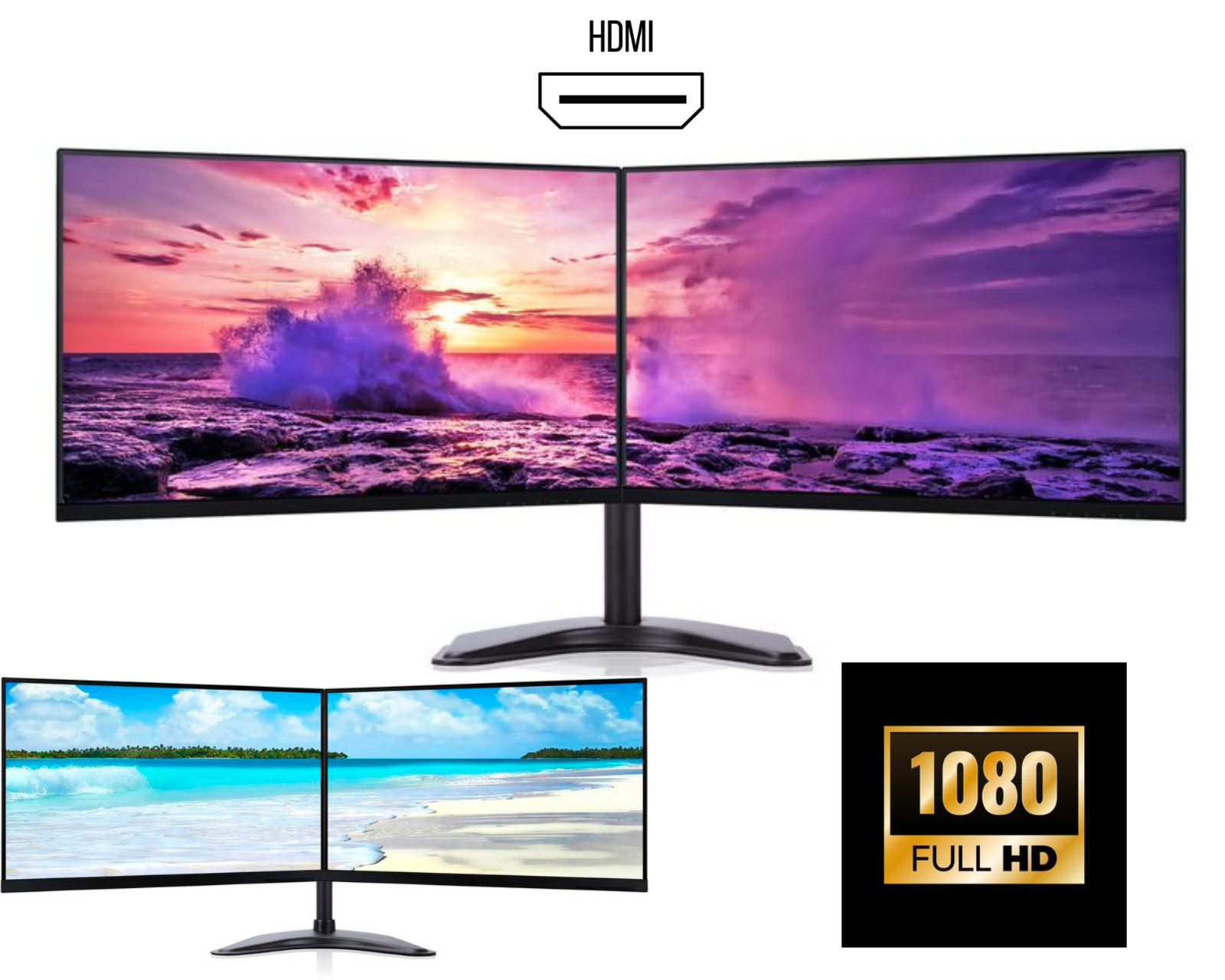
Best Dual Monitor Setup for WFH in the UK – 2026 Complete Guide
Working from home in 2026 is no longer a trend, it’s the norm. Whether you’re a professional, freelancer, student, or business owner, a dual monitor setup for work from home can dramatically improve productivity, comfort, and workflow.
In this guide, we’ll cover the best dual monitors for home office in the UK, how to choose the right setup, and affordable dual monitor options that deliver excellent value without breaking the bank.
Why a Dual Monitor Setup Is Essential for WFH in 2026
A second screen can transform how you work. Studies show dual monitors can boost productivity by 30–40%, and in real-world use, that means:
-
Viewing emails and documents side-by-side
-
Running spreadsheets while on video calls
-
Editing, coding, or designing with less window switching
-
Reducing eye strain and neck movement
For anyone working remotely, a dual monitor setup for work from home is no longer a luxury, it’s a smart investment.
Best Dual Monitors for Home Office UK – What to Look For
When choosing the best dual monitors for a home office in the UK, focus on these key factors:
1. Screen Size & Resolution
-
24-inch Full HD (1920×1080) – Best value and most popular
-
27-inch QHD (2560×1440) – Ideal for multitasking and design work
-
Avoid mismatched sizes for a cleaner setup
2. Panel Type
-
IPS panels are strongly recommended for:
-
Better colour accuracy
-
Wider viewing angles
-
Long working hours
-
3. Connectivity
Ensure the monitors support:
-
HDMI
-
DisplayPort
-
USB-C (great for modern laptops)
Matching ports make dual monitor setups far easier.
4. Adjustable Stands or VESA Mounting
Height-adjustable stands or VESA compatibility help:
-
Improve posture
-
Reduce back and neck strain
-
Create a clean desk setup
Affordable Dual Monitors UK – Best Value Options
You don’t need to spend a fortune. Many affordable dual monitors in the UK offer excellent performance for WFH.
Best Budget Choices (2026)
-
Refurbished business-grade monitors
-
Slim bezels for seamless dual setups
-
Height-adjustable stands
Refurbished monitors are especially popular in the UK because they:
-
Cost 30–50% less than new
-
Are professionally tested
-
Are more environmentally friendly
This makes them ideal for anyone building a cost-effective dual monitor setup for home working.
Recommended Dual Monitor Setup for Work From Home
Here’s a proven WFH dual monitor setup used by professionals across the UK:
✔ Two matching 24” IPS monitors
✔ Monitor arm or adjustable stands
✔ Laptop dock or USB-C hub
✔ Wireless keyboard & mouse
This setup works perfectly for:
-
Office work
-
Accounting
-
Programming
-
Customer support
-
Online businesses
Dual Monitor Setup for Laptops (UK Users)
If you’re using a laptop for WFH, dual monitors are still easy to set up:
What You’ll Need:
-
Laptop with USB-C or HDMI
-
Docking station or USB-C hub
-
Two external monitors
Many modern laptops in the UK support dual external displays through a single USB-C docking station, making desk setups clean and cable-free.
Are Dual Monitors Worth It for Home Office Work?
Absolutely. Compared to a single screen, dual monitors offer:
-
Faster task completion
-
Less eye strain
-
Better focus
-
Improved work-life comfort
For remote workers, this upgrade often pays for itself within weeks.
FAQs – Dual Monitor Setup for WFH in the UK
What are the best dual monitors for home office UK in 2026?
The best options are 24-inch IPS Full HD monitors with slim bezels, height-adjustable stands, and HDMI/DisplayPort connectivity. Refurbished business monitors offer the best value.
Is a dual monitor setup good for working from home?
Yes. A dual monitor setup for work from home improves productivity, multitasking, and overall comfort, especially for long working hours.
Are affordable dual monitors in the UK reliable?
Yes, especially refurbished monitors from reputable UK sellers. They are fully tested, cost less, and are ideal for home offices.
Can I use dual monitors with a laptop?
Yes. Most modern laptops support dual monitors using a USB-C dock or HDMI + DisplayPort combination.
Should both monitors be the same model?
Using identical monitors ensures:
-
Consistent colour
-
Matching height and resolution
-
Cleaner desk aesthetics
Final Thoughts – Upgrade Your WFH Setup in 2026
A well-planned dual monitor setup for WFH in the UK is one of the smartest productivity upgrades you can make. Whether you’re looking for affordable dual monitors in the UK or a professional home office setup, choosing the right displays will improve your workflow instantly.