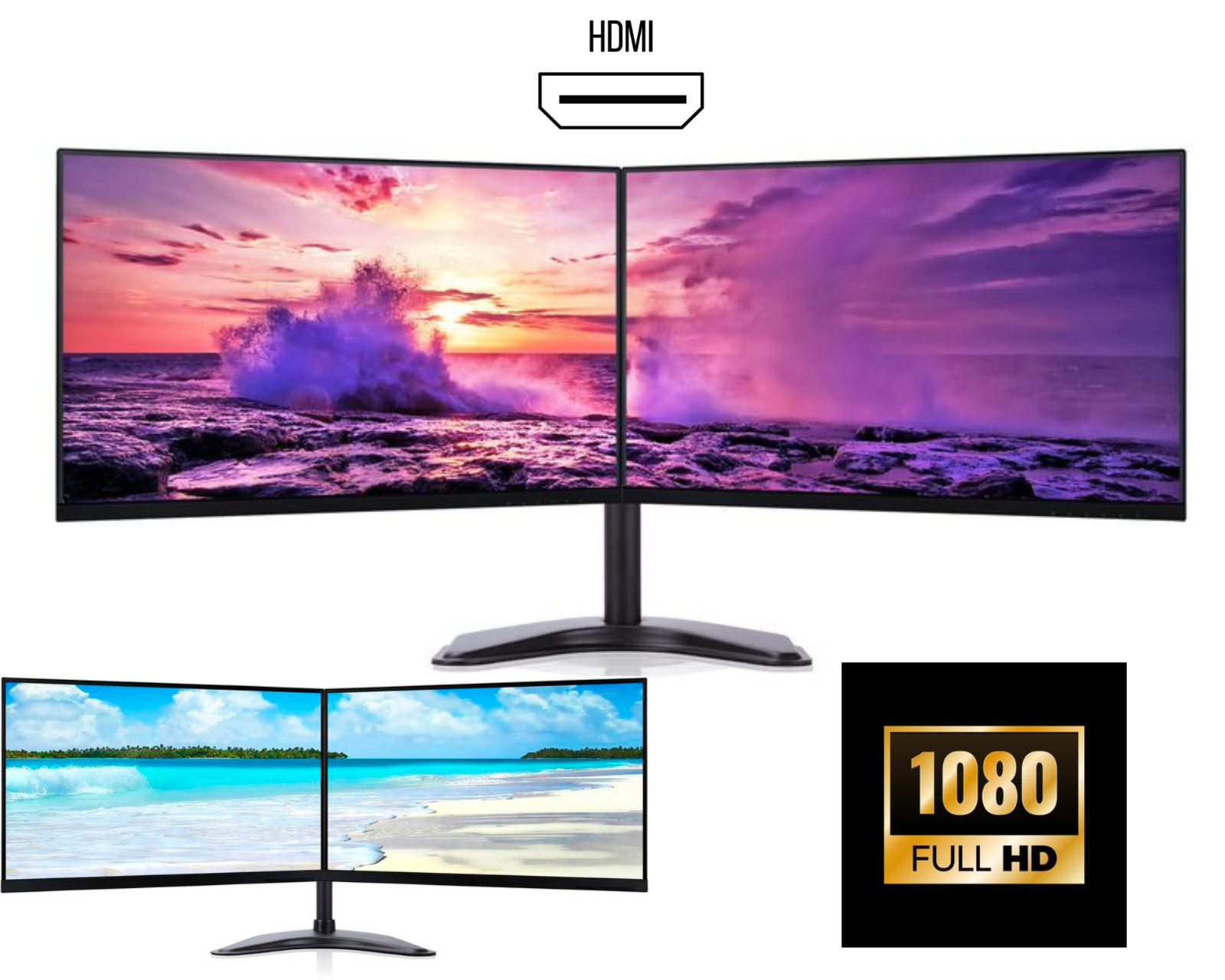
Best Dual Monitors for Productivity, Office Work & Gaming (2026 Guide)
A dual monitor setup is one of the most powerful upgrades you can make to your workspace. Whether you're working from home, trading, coding, editing, or gaming, using dual monitors can significantly improve productivity, efficiency, and comfort.
In this guide, we’ll cover everything you need to know about the best dual monitors, their benefits, features to look for, and how to choose the right dual monitor setup for your needs.
What Are Dual Monitors?
Dual monitors refer to using two screens connected to one computer or laptop. This setup allows you to extend your display across both monitors, creating a larger and more flexible workspace.
A dual monitor setup is widely used in modern offices, home workstations, and gaming environments because it enables better multitasking and workflow management.
Benefits of Using Dual Monitors
1. Increased Productivity
Using dual monitors for productivity can boost efficiency by up to 40%. Instead of switching between tabs, you can keep multiple applications open at the same time.
Example:
• Monitor 1 – Main work (Excel, coding, editing)
• Monitor 2 – Email, browser, or communication tools
This reduces time wasted and improves workflow.
2. Better Multitasking
A dual screen setup allows you to perform multiple tasks simultaneously.
Common use cases:
• Research on one screen while writing on another
• Video editing timeline and preview on separate screens
• Coding on one monitor and testing output on the second
3. Improved Workspace Organization
With dual monitors, you can organize your tasks more effectively. Each screen can be dedicated to a specific function, reducing clutter and improving focus.
4. Ideal for Remote Work & Offices
A dual monitor home office setup is now essential for professionals working remotely.
It is perfect for:
• Microsoft Excel and data analysis
• Zoom / Teams meetings
• Emails and browser work
• Project management tools
5. Enhanced Gaming & Streaming
A dual monitor gaming setup allows gamers to:
• Play games on one screen
• Monitor chat, Discord, or streaming software on the second
This setup is widely used by streamers and content creators.
Features to Look for in the Best Dual Monitors
Choosing the right monitors is important for building the best dual monitor setup.
1. Thin Bezels (Frameless Design)
Frameless or bezel-less monitors provide a clean and modern look. They reduce the gap between screens and create a seamless dual monitor experience.
2. Screen Size
Popular sizes include:
• 24 inch dual monitors – best for productivity
• 27 inch dual monitors – ideal for multitasking
• 32 inch monitors – best for design and editing
Most users prefer dual 24-inch monitors for office setups.
3. Resolution
Resolution affects clarity and workspace.
Recommended options:
• Full HD (1920x1080) – budget-friendly
• QHD (2560x1440) – best for productivity
• 4K UHD – ideal for professionals
4. IPS Panel Technology
For better colour and viewing angles, choose IPS monitors.
Benefits:
• Accurate colours
• Wide viewing angles
• Better brightness
Perfect for office work, design, and professional use.
5. Connectivity Options
Ensure your monitors support:
• HDMI
• DisplayPort
• USB-C
For laptops, a USB-C docking station can easily support a dual monitor setup.
Best Dual Monitor Setup for Office Work
A dual monitor office setup should focus on comfort and productivity.
Recommended setup:
• 24” or 27” frameless monitors
• IPS panel displays
• Adjustable stand or monitor arm
• Eye-level positioning
This creates a professional dual monitor workstation ideal for daily tasks.
Dual Monitor Setup for Gaming
Gamers prefer high-performance monitors.
Recommended specs:
• 144Hz or higher refresh rate
• 1ms response time
• Adaptive Sync (G-Sync / FreeSync)
A dual monitor gaming setup allows you to enjoy gameplay while managing other tasks simultaneously.
How to Setup Dual Monitors
Setting up dual monitors is simple:
-
Connect both monitors via HDMI or DisplayPort
-
Open Display Settings on your computer
-
Select Extend Display
-
Arrange monitors based on your desk layout
-
Adjust resolution and scaling
Your dual monitor workspace will be ready in minutes.
Dual Monitor Desk Setup Tips
To create a perfect dual monitor desk setup:
• Keep monitors at eye level
• Use a dual monitor arm or stand
• Maintain proper viewing distance
• Keep cables organized
A clean setup improves comfort and productivity.
Who Should Use Dual Monitors?
A dual monitor setup is ideal for:
• Office professionals
• Programmers and developers
• Stock traders
• Designers and editors
• Students
• Gamers and streamers
If you multitask regularly, dual monitors are a must-have upgrade.
Where to Buy the Best Dual Monitor Bundles
Many online stores offer dual monitor bundles that include:
• Matching monitors
• Adjustable stands
• HDMI or DisplayPort cables
• Fully tested displays
Buying a dual monitor bundle saves time and ensures compatibility.
Final Thoughts
A dual monitor setup is one of the best investments for improving productivity, multitasking, and overall workflow. Whether for office work, gaming, or professional tasks, using two monitors can transform your workspace.
If you are looking to upgrade your setup, choosing the best dual monitors will help you work smarter and more efficiently.