Best Budget Work From Home Setup in the UK (Complete Productivity Guide)
Working from home has become a major part of modern life. Whether you’re running an online business, studying, freelancing, or working remotely, having the right work from home setup is essential for productivity and comfort.
If you’re searching for the best budget work from home setup in the UK, this guide will help you build a powerful and affordable workstation without overspending.
Why Your Work From Home Setup Matters
Your workspace directly affects your performance. A poor setup can lead to:
- Slow workflow
- Constant distractions
- Physical discomfort (back and neck pain)
- Reduced focus
On the other hand, a well-designed home office setup UK can:
✔ Increase productivity
✔ Improve comfort
✔ Help you stay organised
✔ Make multitasking easier
The Game-Changer: Dual Monitor Setup
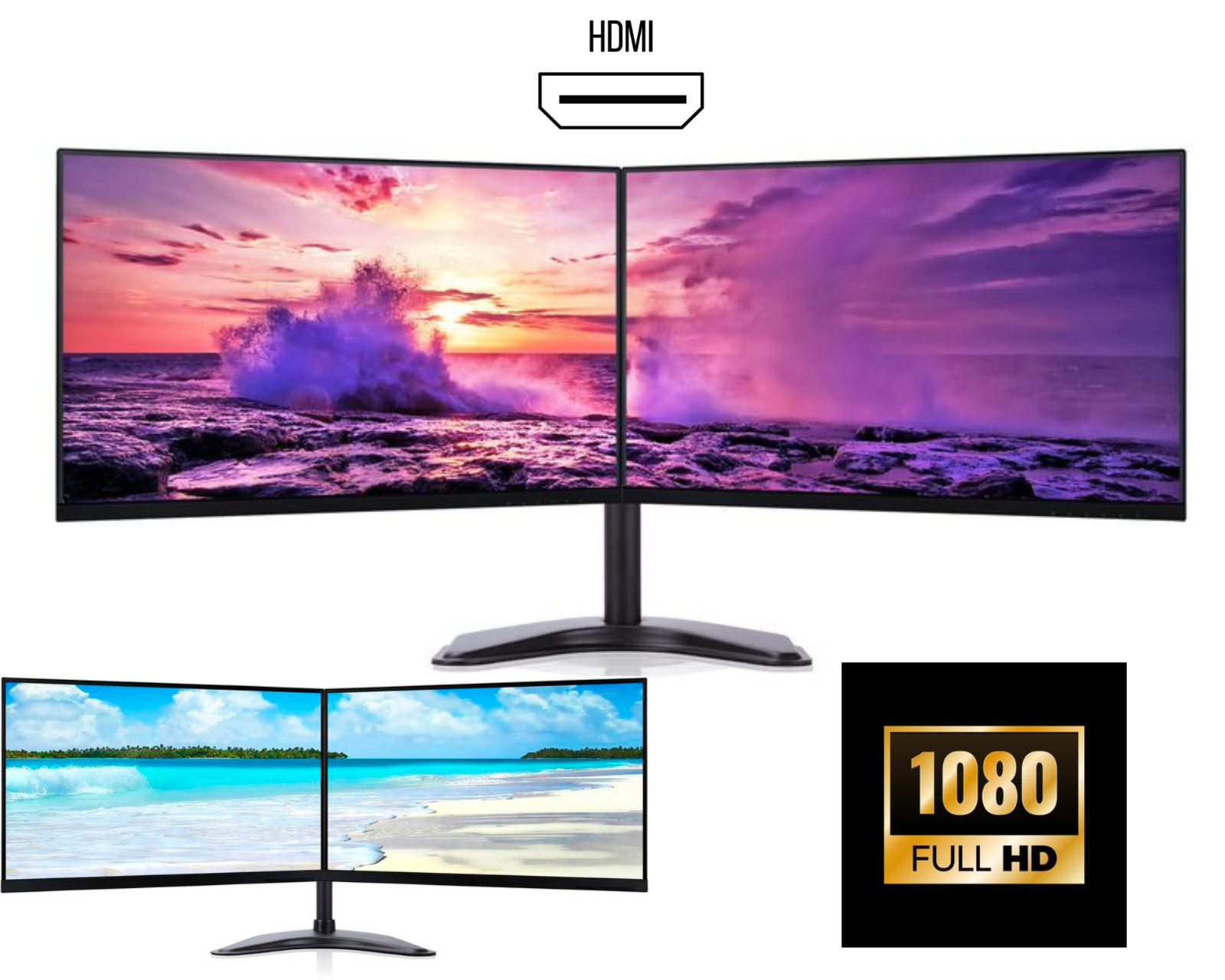
One of the biggest upgrades you can make is switching to a dual monitor setup.
Instead of constantly switching between tabs, you can:
- Work on one screen
- Keep emails or research on another
- Manage multiple tasks easily
This is why keywords like dual monitor setup UK and best monitor setup for productivity are highly searched.
Dual vs Triple Monitor Setup
Dual Monitor Setup
Best for:
- Students
- Office work
- Everyday productivity
Triple Monitor Setup
Best for:
- Traders
- Designers
- Heavy multitasking
For most users, a dual monitor bundle UK offers the perfect balance between cost and performance.
How to Build a Budget Work From Home Setup
You don’t need to spend a fortune. Here’s how to build a professional setup on a budget:
1. Choose the Right Monitors
The most popular option is:
- 24-inch monitors (best value)
- IPS panels for better display quality
Look for:
- HDMI ports
- Full HD resolution
- Matching monitors for a clean look
2. Use a Reliable Computer
A smooth system is essential for multitasking.
Recommended specs:
- 8GB RAM or more
- SSD storage
- Windows 10/11
3. Add a Dual Monitor Stand
A dual monitor stand:
- Saves desk space
- Improves posture
- Creates a professional setup
4. Don’t Forget Accessories
Essential accessories include:
- Keyboard & mouse
- Webcam for meetings
- Headset for clear communication
These small additions make a big difference in daily use.
Why Refurbished IT Equipment is a Smart Choice
A growing number of people in the UK are choosing refurbished IT equipment for their setups.
Benefits:
- Much more affordable than new
- Professionally tested and reliable
- Great for everyday tasks
- Environmentally friendly
That’s why searches like:
are becoming increasingly popular.
Example: Budget Dual Monitor Setup
A typical affordable setup includes:
- 2x 24” monitors
- Dual monitor stand
- HDMI cables
Ideal for:
- Work from home
- Students
- Small businesses
This type of complete dual monitor setup UK is one of the best-value options available.
Trending Desk Setup Ideas
Want a modern and aesthetic workspace? Here are some trending styles:
Minimalist Setup
- Clean desk
- Matching monitors
- Hidden cables
Productivity Setup
- Dual or triple monitors
- Organised workspace
- Ergonomic positioning
Professional Office Setup
- Matching equipment
- Clean layout
- Comfortable seating
Tips to Improve Productivity
To get the most out of your setup:
- Use both screens efficiently
- Keep your desk organised
- Maintain proper posture
- Take regular breaks
A good home office setup UK helps you work smarter and stay focused.
Where to Buy Work From Home Setups in the UK
When choosing your setup, look for:
✔ Trusted UK sellers
✔ Professionally tested products
✔ Complete bundles (better value)
✔ Reliable delivery and support
This ensures you get quality equipment at the best price.
Final Thoughts
Creating the best budget work from home setup in the UK doesn’t have to be expensive. With smart choices especially investing in a dual monitor setup you can significantly improve your workflow and comfort.
Whether you’re working, studying, or running a business, upgrading your workspace is one of the best investments you can make.